
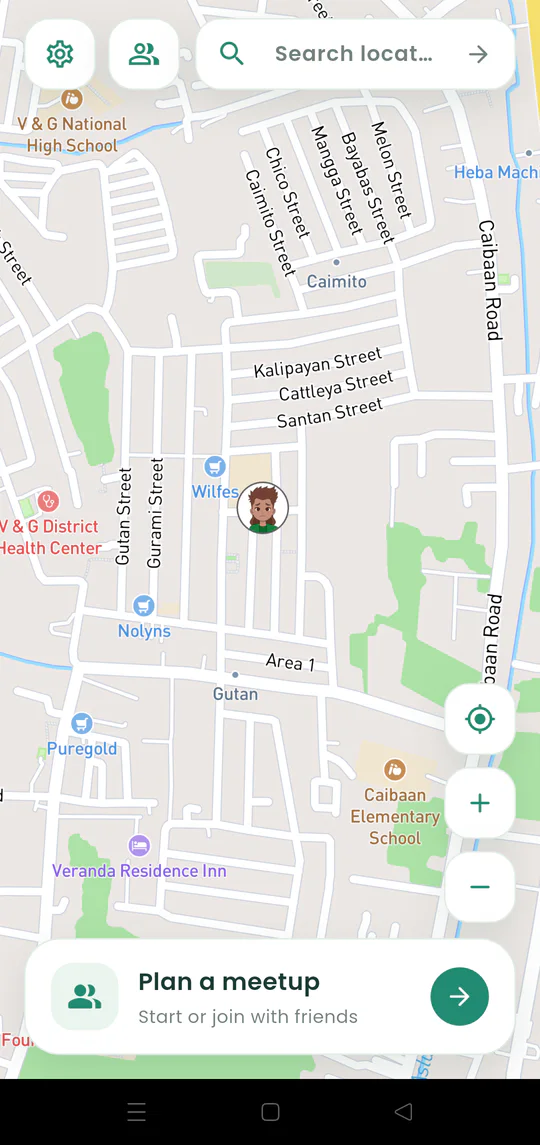
How Gatherpin works
Follow the complete Gatherpin flow: choose a destination, invite people, and watch everyone come together on one temporary live map.
Gatherpin help centre
Guides for every step: start a meetup, invite your people, read the live map, and choose what you share. Follow along with screens from the app.
Search or tap the map to put the meeting pin on the exact entrance or landmark.
Send a link, QR code, or six-digit code, or invite Gatherpin friends and private groups directly.
See the pin, shared live positions, ETAs, arrival indicators, and meetup chat.
Learn the core meetup flow, choose a destination, and personalize Gatherpin.
Follow the complete Gatherpin flow: choose a destination, invite people, and watch everyone come together on one temporary live map.
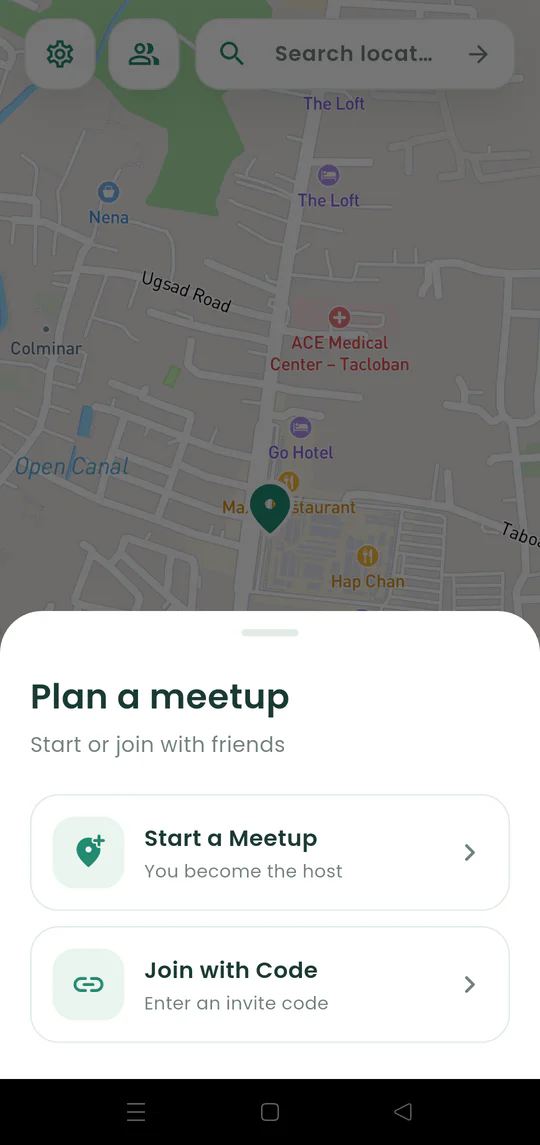
Start a Gatherpin meetup on Android and choose the place everyone should reach.
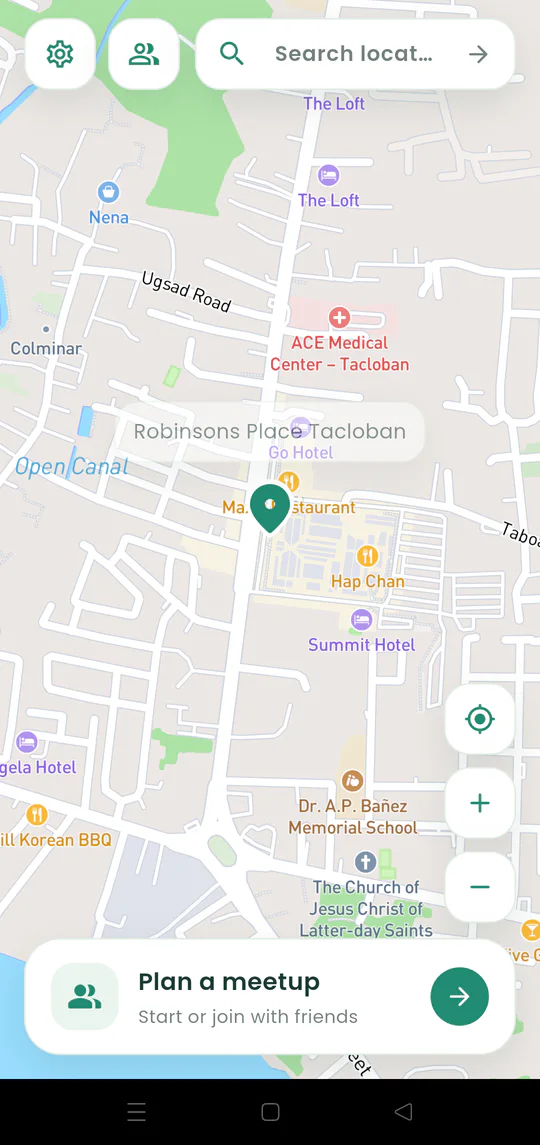
Search for a place and position the shared destination pin where everyone should actually meet.
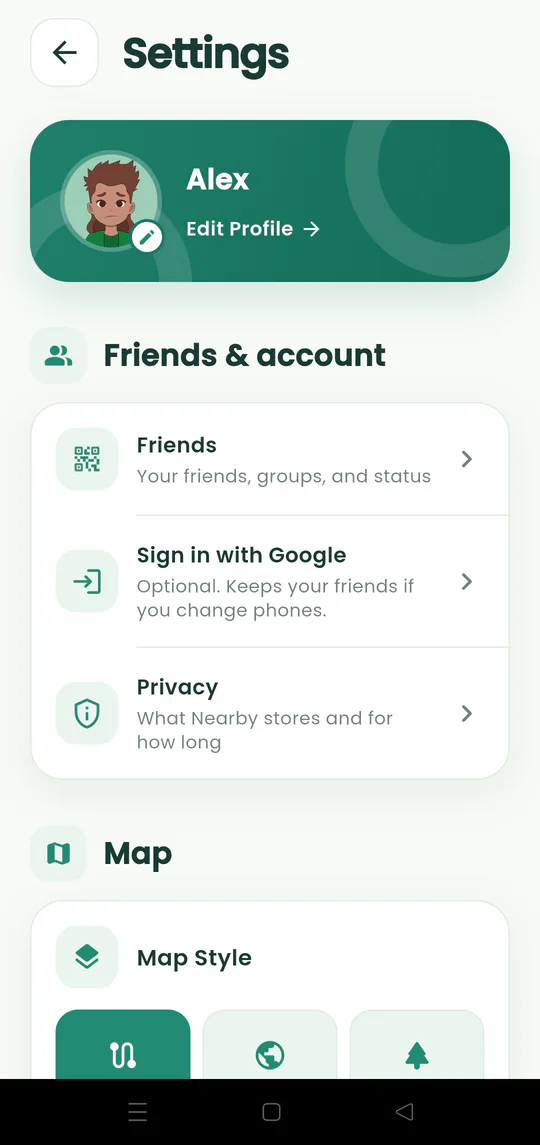
Start or join a meetup without creating an account, and understand what optional Google sign-in adds.
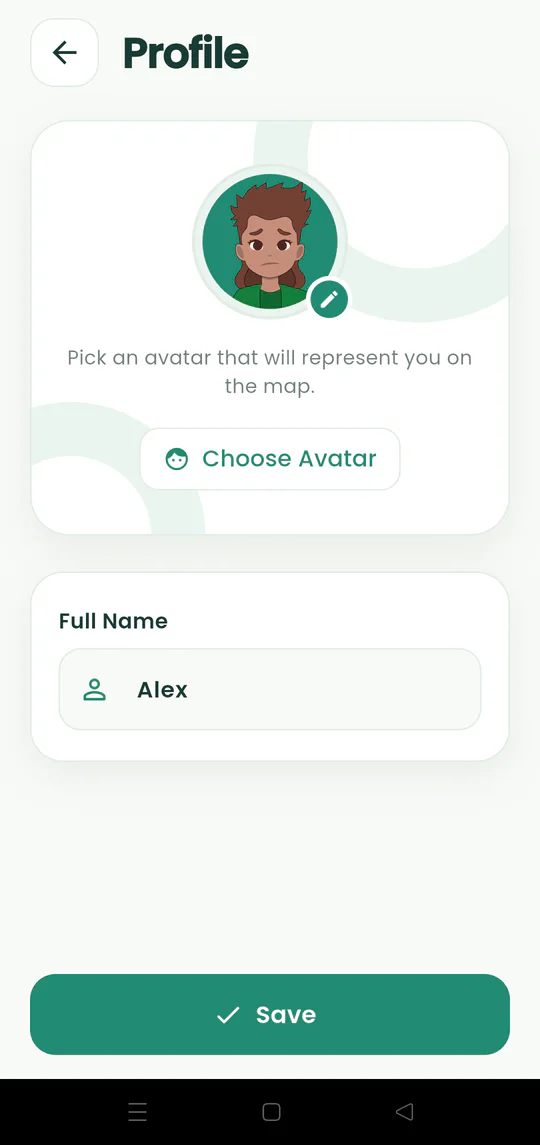
Change the name and avatar that people see in Gatherpin meetups, chat, and friend requests.
Share a link, QR code, or six-digit code and let people join from the app or browser.
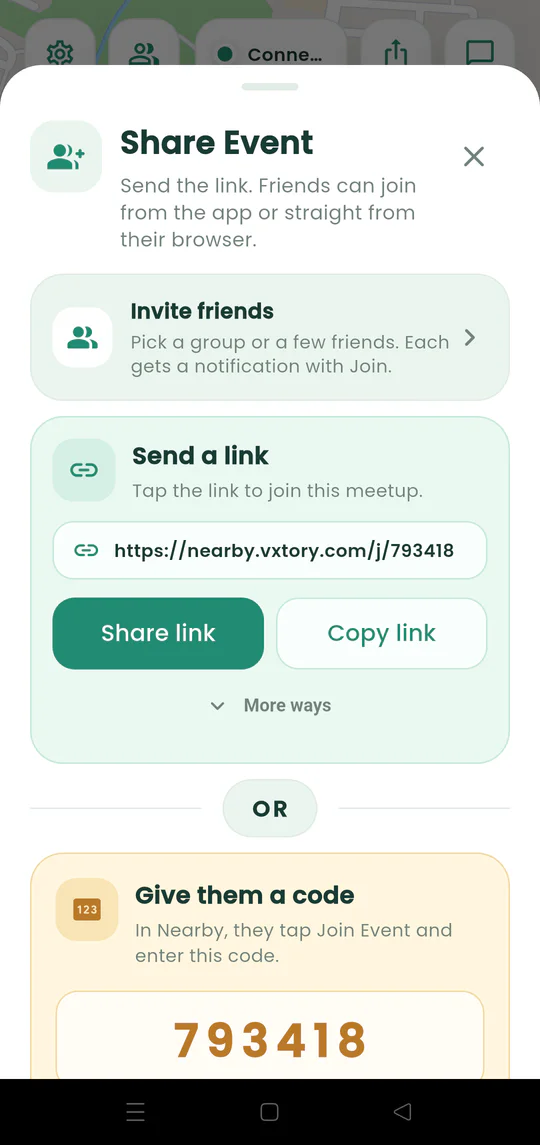
Invite people with a link, copyable code, QR code, Messenger, WhatsApp, or direct Gatherpin invitation.
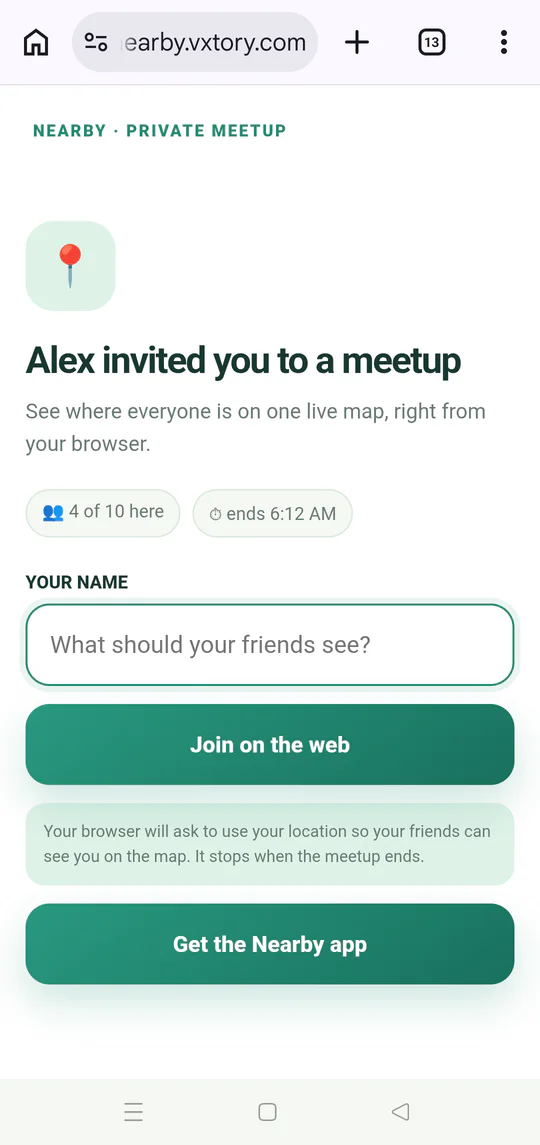
Open a Gatherpin meetup invitation in the installed Android app or continue through a mobile browser.
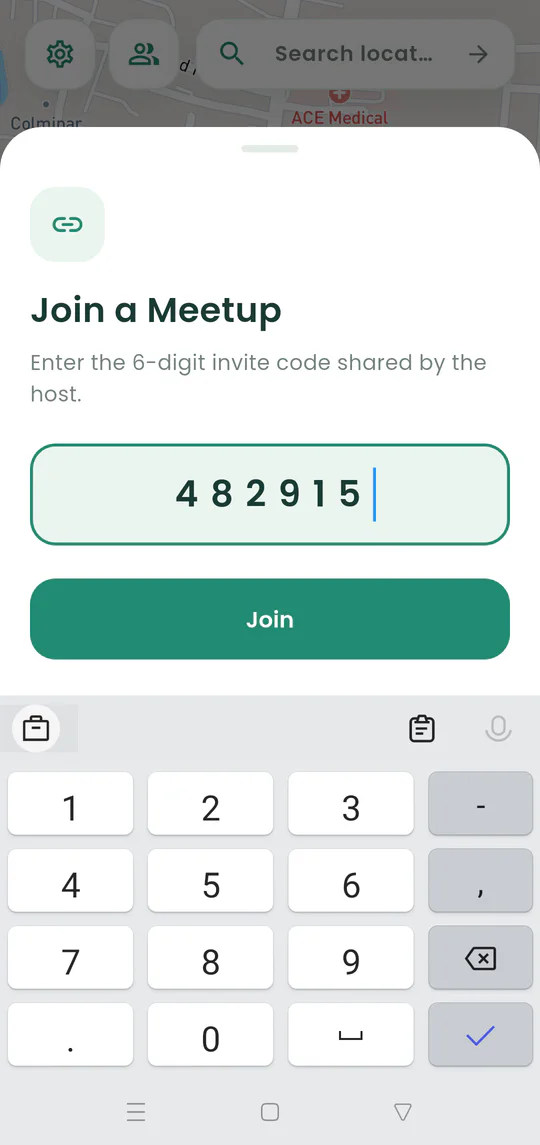
Enter the six-digit meetup code when the host shares it aloud or without the full link.
Join a meetup from an iPhone or Android browser without installing Gatherpin or creating an account.
Add trusted friends, organize private groups, set a status, and invite people faster.
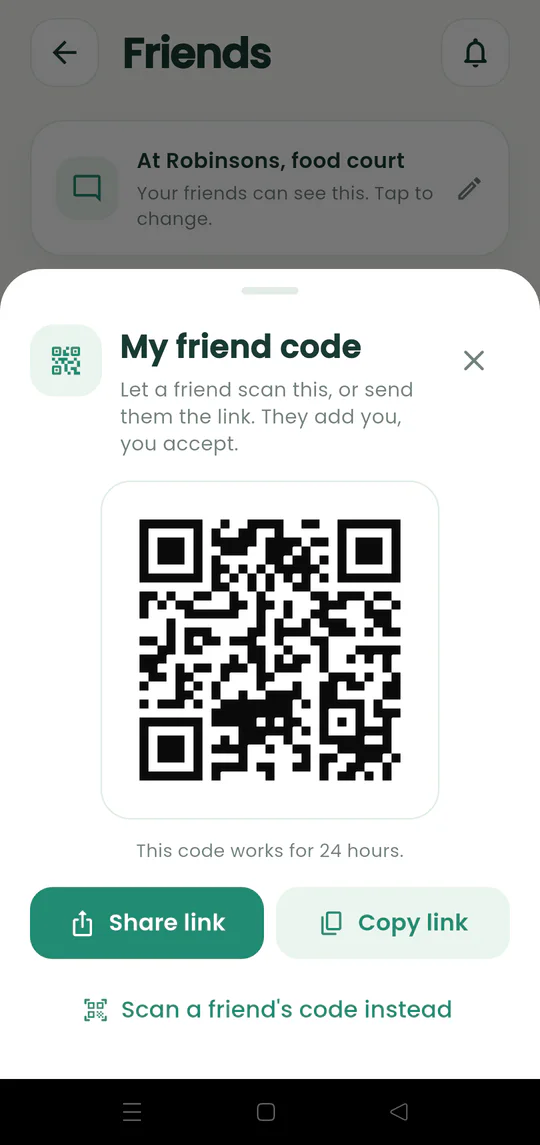
Share your 24-hour friend code or scan another person’s code to send a friend request.
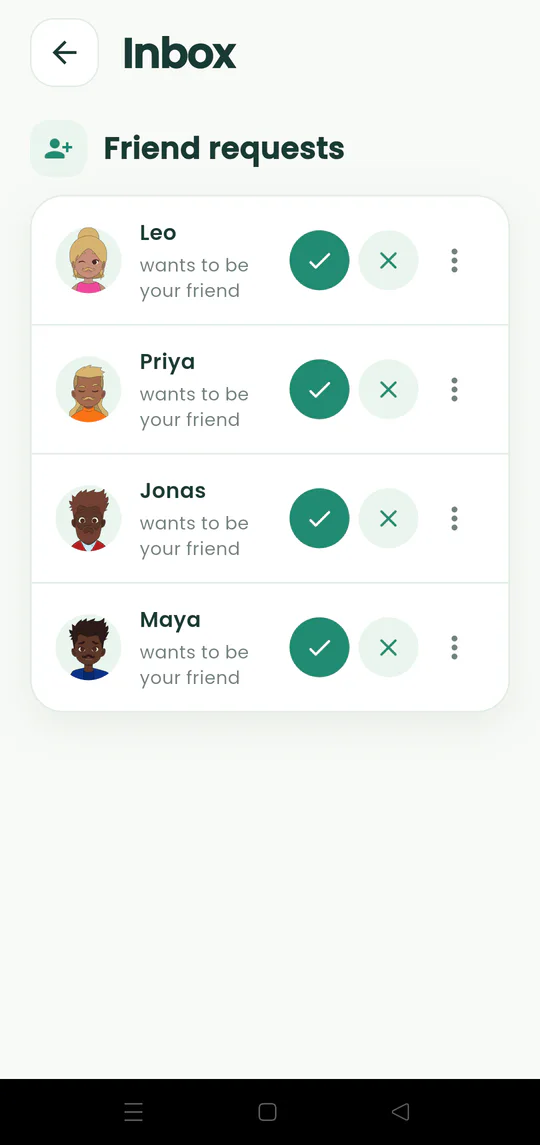
Review incoming requests in your Gatherpin inbox and choose whether to accept, decline, or block the sender.
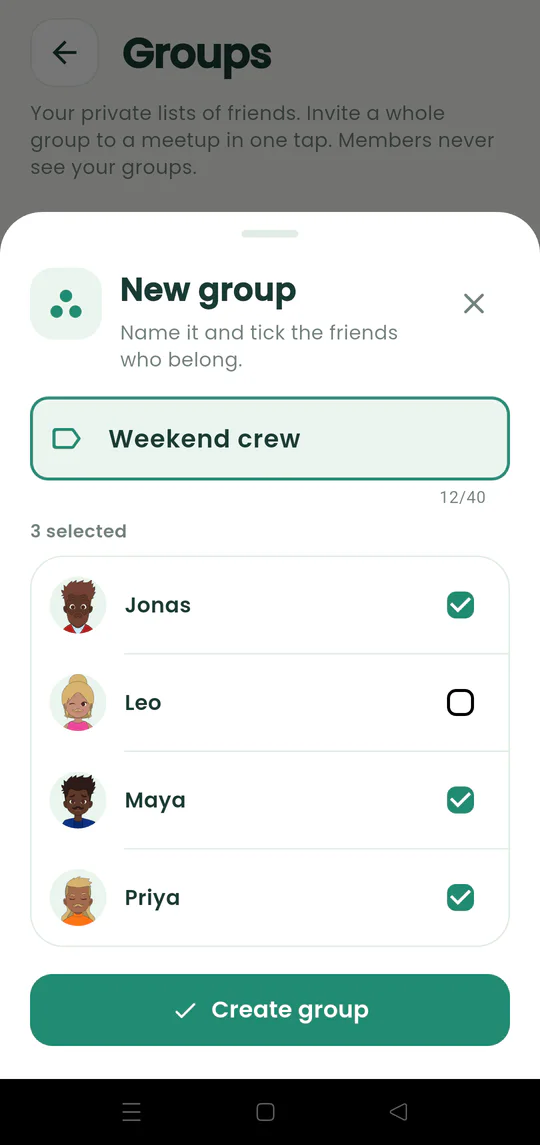
Create a private group for friends you often invite together, such as family or a weekend crew.
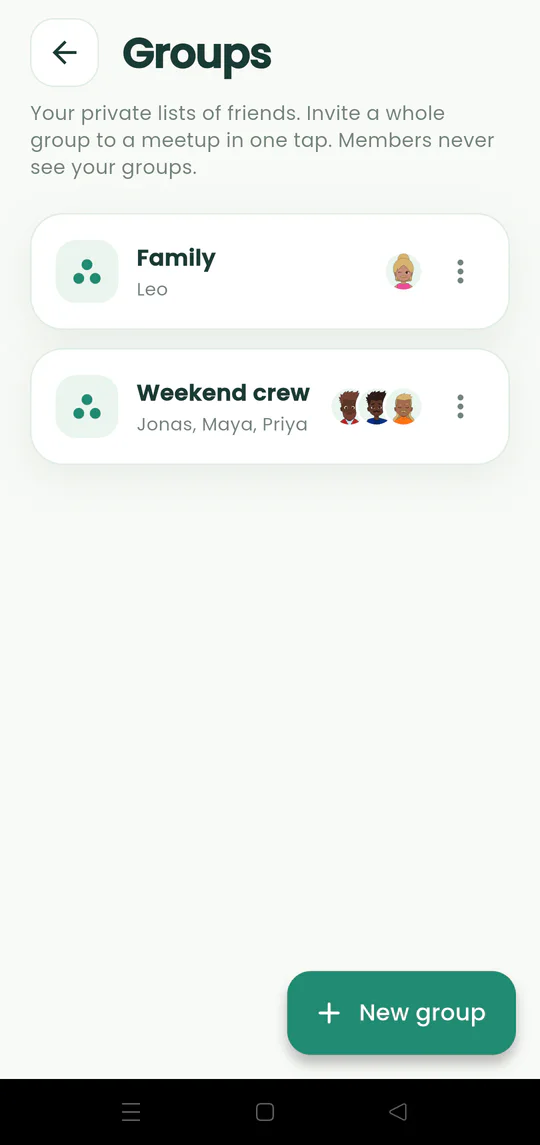
Review, rename, update, or delete the private friend groups saved in Gatherpin.
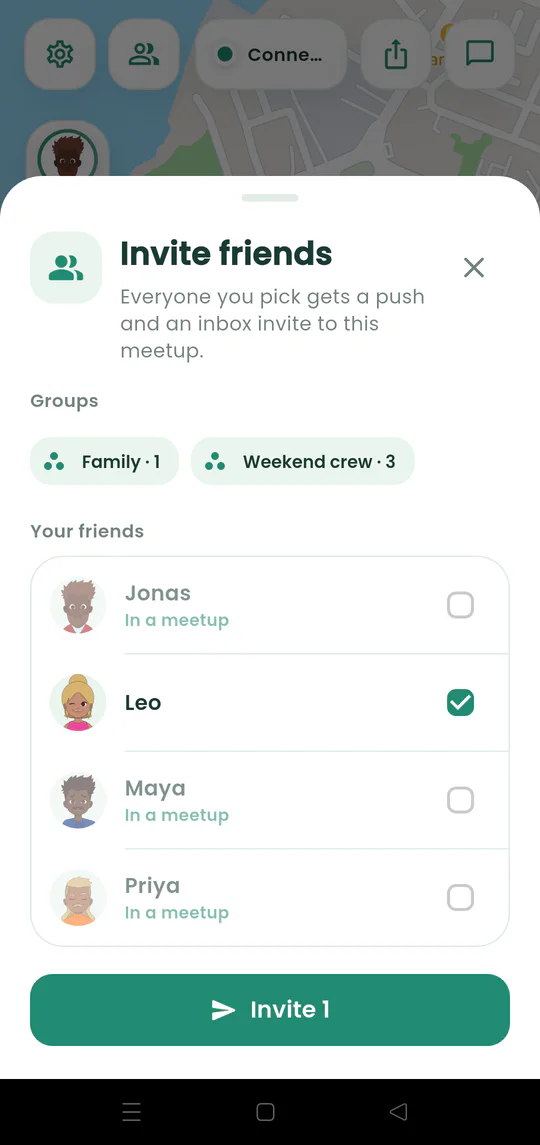
Invite an existing friend, several people, or a whole private group directly into an active meetup.
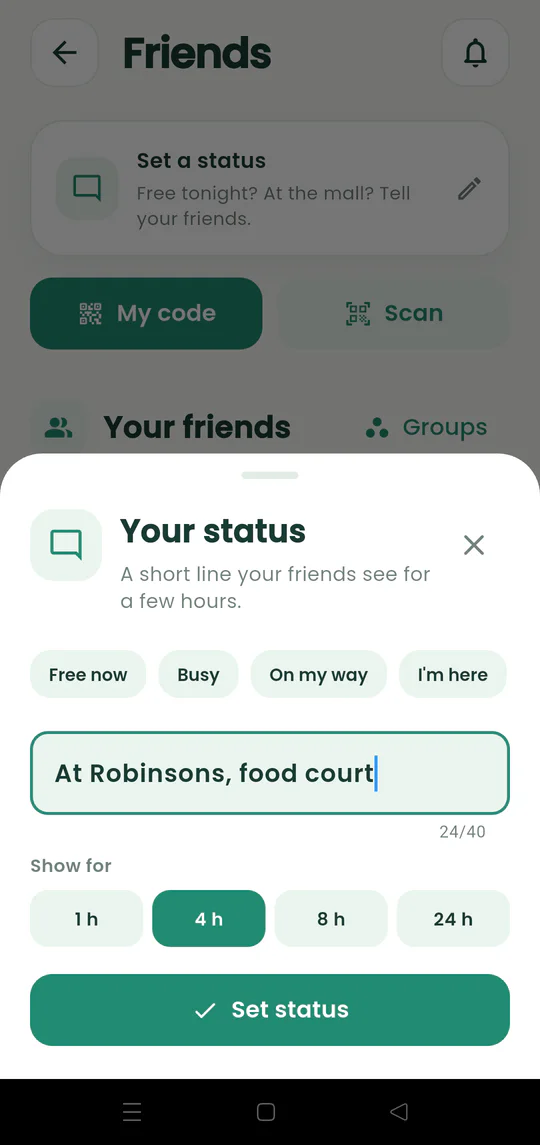
Tell Gatherpin friends whether you are free, busy, or at a particular place for a limited time.
Use the live map, ETAs, group chat, privacy controls, appearance, and language settings.
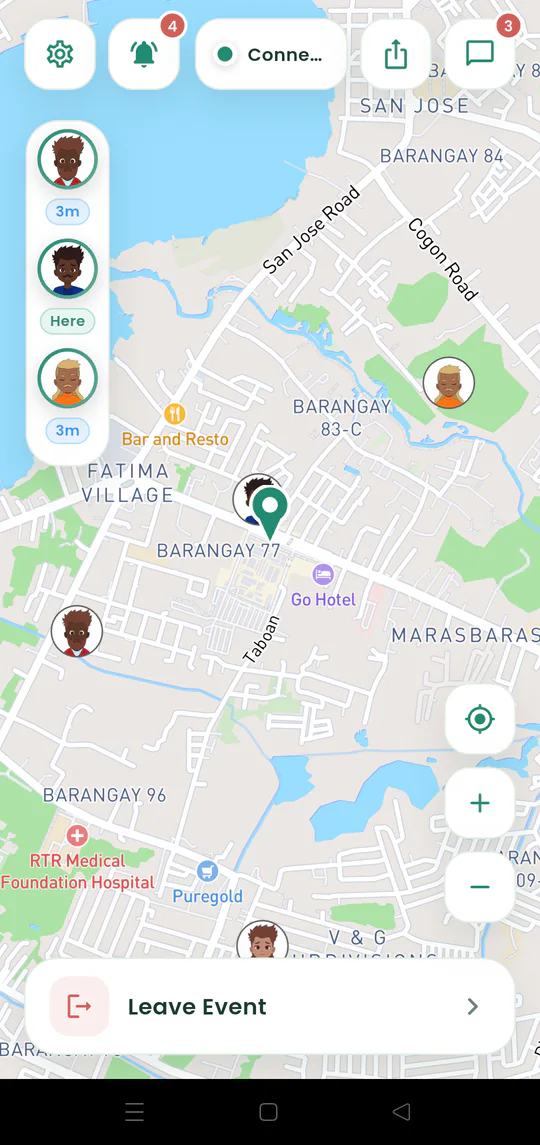
Read the meeting pin, friend avatars, arrival indicators, and controls while your meetup is active.
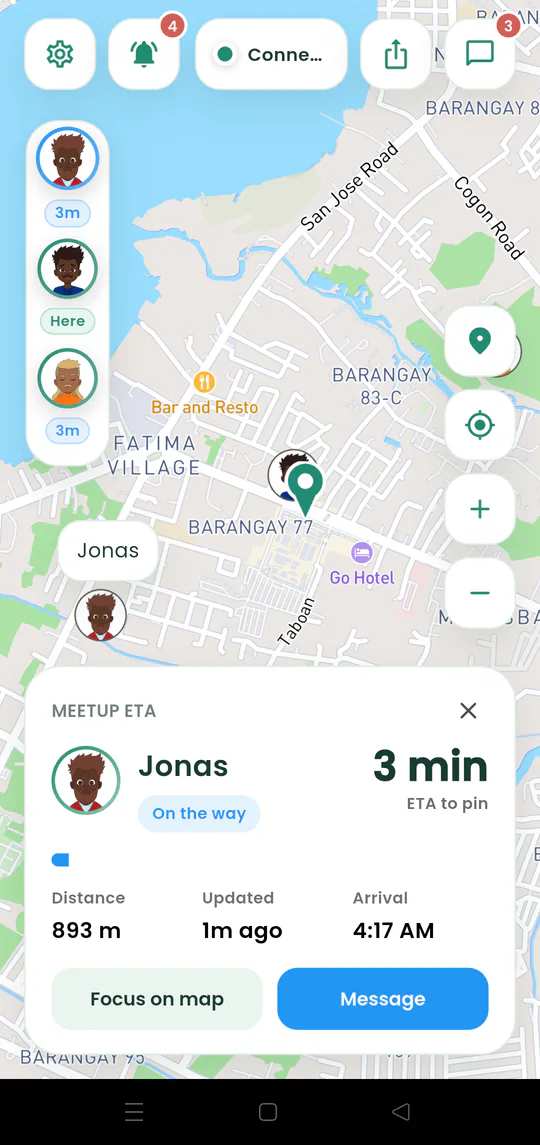
See a friend’s estimated time, remaining distance, arrival time, and position on the map.
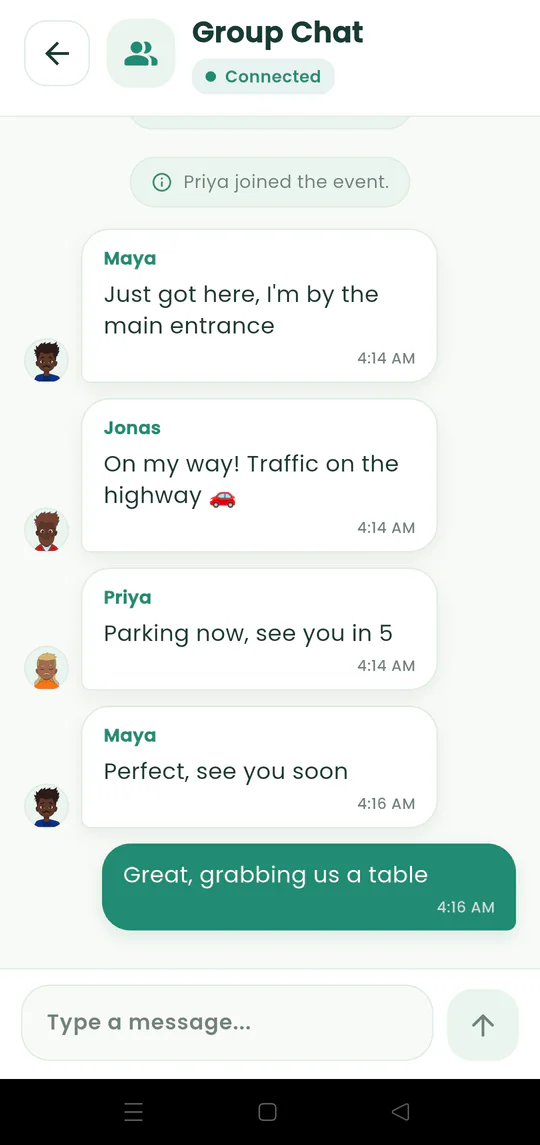
Send meetup-wide updates about entrances, delays, landmarks, or changes without leaving Gatherpin.
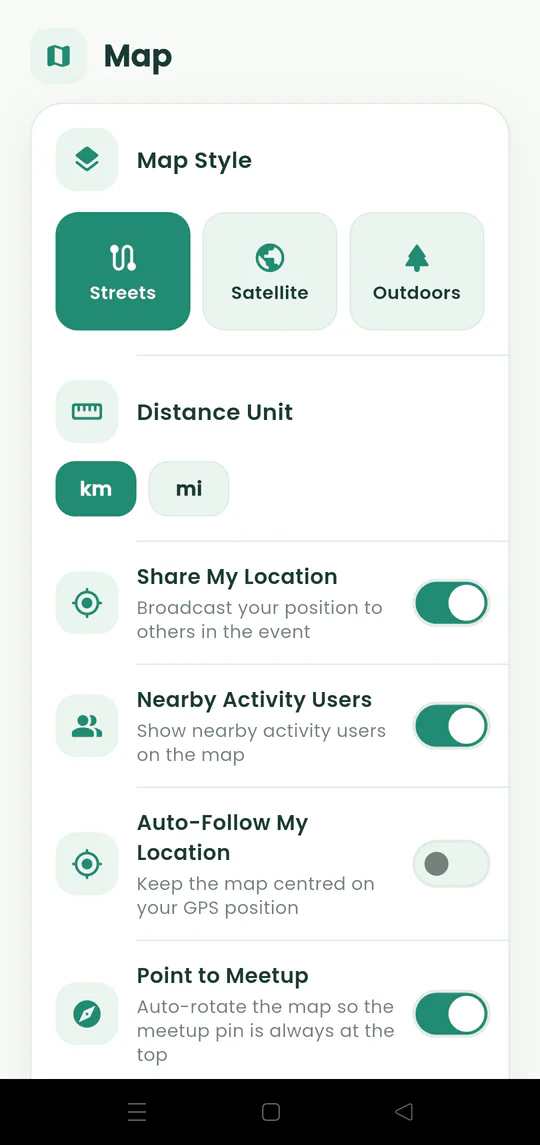
Turn live sharing on or off and understand when other meetup members can see your position.
Manage your profile, friends, optional Google sign-in, notifications, privacy, map, language, and appearance.
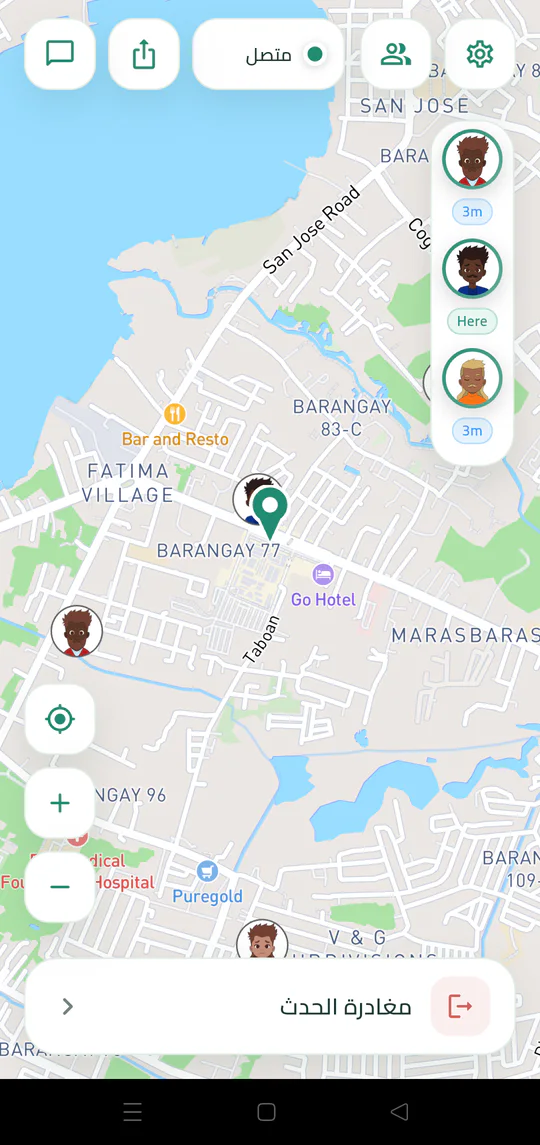
Switch Gatherpin to a darker interface or use its fully right-to-left Arabic layout.
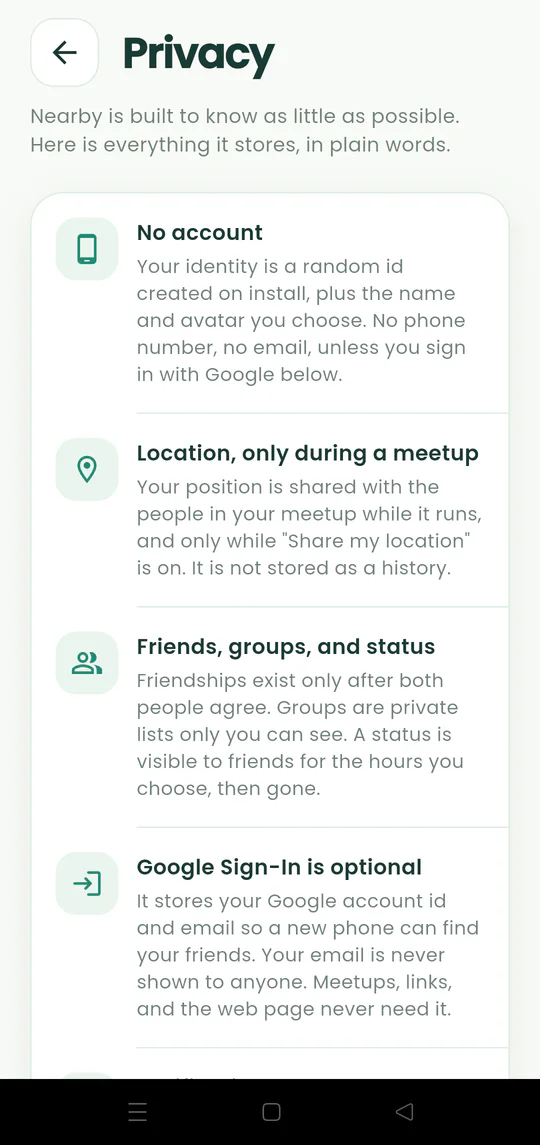
Understand optional accounts, temporary location sharing, friend features, and the controls available inside the app.
Leave a meetup, delete your data, or solve common joining and location problems.
Leave when you have met your group and stop participating in the active event.
Use Delete My Data to remove the information associated with your Gatherpin identity.
Fix common problems with invitations, codes, browser joining, map movement, location sharing, or notifications.